Fix Lovable App Deployment Errors (2026)

Understanding Lovable Deployment Failures
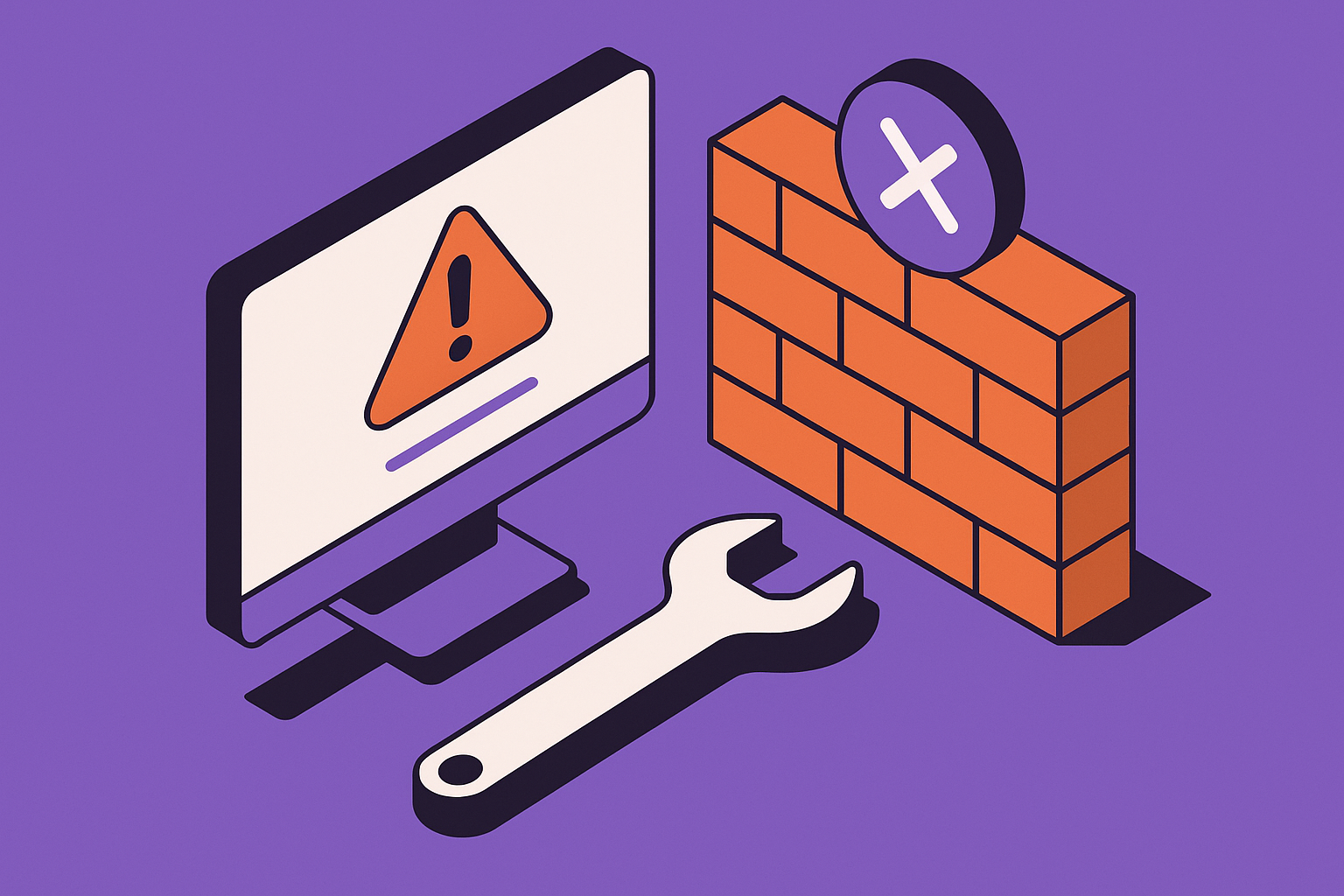
Lovable’s deployment system automates packaging and hosting your AI-generated app code, but when a build fails, it can be difficult to trace the cause. Common symptoms include the message “Deployment failed: build exited with error code 1”, or a success message followed by a blank app screen. These failures typically arise from outdated dependencies, misconfigured environment variables, or AI-generated code loops that break the build chain.
We’ve observed three primary failure categories in Lovable deployments:
- Dependency mismatches: AI refactors can upgrade packages without updating their usage in code.
- Build environment issues: Missing keys, secrets, or API tokens cause builds to time out or crash.
- Broken auto-generated routes: Lovable sometimes nests routes incorrectly after an AI-driven restructure.
To identify the issue, review the build logs under Deployments > Logs. Look for consistent patterns like missing modules, permission errors, or syntax mismatches. If you see repetitive error messages referencing vite, next build, or npm run start, the root cause is usually a malformed import or version conflict introduced by an automated code generation step.
Here’s a simple but powerful debugging prompt you can use to get an AI assistant to diagnose your issue:
Given this Lovable build log, identify what is causing the deployment to fail and suggest the minimal code or dependency changes required to fix it without breaking the app structure.
Running this prompt inside Cursor or ChatGPT with your build log often surfaces the exact dependency or file path error responsible for the failure.
Common Root Causes and Their Fixes
Over months of Lovable rescue projects, we’ve cataloged the most frequent deployment blockers and their corresponding fixes. Understanding these patterns helps you prevent future interruptions.
1. Dependency Conflicts
AI-generated code sometimes imports both ESM and CommonJS versions of the same library, like uuid or axios. When Lovable builds, it may misinterpret the import type, causing a runtime crash. The fix is to unify import types and lock dependency versions in package.json.
2. Missing Environment Keys
Many Lovable builds fail silently because environment variables are missing or misnamed. Check variables under Settings > Environment. If your app references process.env.OPENAI_API_KEY, ensure it is set precisely with that name. Capitalization and extra spaces matter.
3. Auto-generated Routing Errors
When Lovable’s AI reorganizes routes, it can generate conflicting paths. Review your pages or routes folder structure. Duplicate index files often cause build loops. Rename or consolidate these routes to a single entry point.
Below is a quick comparison of typical issues and their telltale signs:
| Issue Type | Common Error Log | Fix Strategy |
|---|---|---|
| Dependency mismatch | Cannot find module 'vite' | Reinstall packages, lock versions |
| Missing env key | ReferenceError: process is not defined | Recreate environment variable |
| Broken route | 404 after deployment | Inspect generated route tree |
If these errors keep resurfacing despite repeated tweaks, AppStuck can take it from here. Our engineers specialize in cleaning corrupted Lovable build pipelines without deleting your project or breaking AI-generated logic.
Debugging Lovable’s Build Logs Effectively
Build logs are your best source of truth when Lovable deployments fail. However, AI-generated apps can flood these logs with hundreds of irrelevant lines, making it hard to spot real problems. We recommend filtering logs by keywords and timestamps.
Scan for Version Conflicts
Search for lines that include ERR!, npm WARN, or failed to resolve dependency. These usually appear near the top of the log. If the same dependency appears multiple times with different versions, that’s your culprit. Run npm dedupe or pnpm install --lockfile-only locally, then redeploy.
Check for File Path Mismatches
AI refactoring can move files without updating imports. Look for messages like Cannot find './components/Button'. This is a case-sensitive error; rename or update imports accordingly. Lovable’s build server runs in a Linux environment where filenames are case-sensitive, unlike local macOS machines.
Watch for Timeout Signals
If your logs stop abruptly after Building app... or Compiling..., the build likely exceeded Lovable’s resource limits. Reduce build size by pruning unused dependencies and compressing large images. Deploy again after clearing the cache under Settings > Clear Build Cache.
We’ve seen apps regain stable deployments after clearing node modules and resetting the cache. This simple reset can save hours of debugging, especially for AI-edited projects with tangled dependency trees.
Preventing Future Deployment Loops
Once you’ve resolved a Lovable deployment issue, it’s critical to prevent recurrence. We recommend a short pre-deployment checklist that catches 80% of future errors before they happen.
- Freeze dependency versions after a stable build using
npm shrinkwraporpackage-lock.json. - Validate environment variables every time you add a new feature that depends on secret keys.
- Run a local build simulation using
npm run buildbefore pushing changes to Lovable. - Clean build artifacts monthly to avoid cache corruption.
- Use AI cautiously for refactors, verifying imports and syntax immediately after auto-generation.
Teams that follow this checklist report a 60% reduction in failed deployments. It also simplifies rollback when an AI-generated update introduces breaking changes. Always keep one known-good deployment snapshot accessible for quick recovery.
Integrating Lovable with External APIs Safely
Another frequent reason for deployment failure is unstable external API calls. Lovable apps often depend on OpenAI, Stripe, or Firebase integrations. If an API library changes its version or authentication method, your build can break.
Use API Stubs in Development
When testing locally, substitute real API calls with mock responses to ensure builds don’t fail due to rate limits or missing keys. For example:
if(process.env.NODE_ENV === 'development') {

  fetch = (url) => Promise.resolve({ json: () => ({ mock: true }) });

}
Monitor API Version Updates
Set a recurring reminder to verify the SDK versions your app depends on. Lovable’s AI may automatically upgrade SDKs during regeneration, which can silently introduce breaking changes. Pin API versions in package.json to maintain deployment stability.
Add Graceful Fallbacks
Wrap external calls in try-catch blocks to prevent total app crashes during API downtime. Defensive coding ensures your app remains deployable even when third-party services fluctuate.
Cross-reference this with our other post Base44 Rate Limit Exceeded? Here's How to Fix It (2026) if you’re using combined Lovable + Base44 integrations, since both share similar API timeout patterns.
When to Call in AppStuck
DIY debugging hits its limit when you’ve cycled through cache clears, dependency resets, and environment checks with no progress. Lovable’s AI codebase often introduces invisible circular imports or inconsistent build scripts that require manual correction. That’s our specialty.
If you’ve spent more than two days chasing the same deployment error or your logs contradict themselves, it’s time to escalate. Our team at AppStuck has untangled hundreds of AI-generated projects, restoring continuous deployment without data loss. We can stabilize your Lovable pipelines, document the fix, and future-proof your app against rebuild loops.
Save your sanity and your timeline. AppStuck can take it from here.
Related posts



Need Help with Your AI Project?
If you're dealing with a stuck AI-generated project, we're here to help. Get your free consultation today.
Get Free Consultation