Performance Optimization for No-Code Apps (2026 Guide)

Why No-Code Apps Slow Down as They Grow
Every no-code platform promises speed to launch. But as data volume and user traffic increase, that speed fades. We’ve seen apps that once loaded instantly start taking over a minute to load after a few hundred users. The issue rarely lies in one place-it’s a combination of bloated workflows, unoptimized queries, and client-rendering bottlenecks.
The Invisible Load
Many builders underestimate how much data their app tries to fetch on first load. When a Bubble or FlutterFlow project pulls thousands of records to render conditionally visible elements, the browser chokes. Likewise, Webflow interactions or Lovable’s AI-generated logic blocks may trigger multiple API calls simultaneously, creating a race that the platform’s rendering engine struggles to keep up with.
Platform-Specific Bottlenecks
- Bubble: Heavy use of conditionals and custom states can cause rendering lag, especially on mobile.
- FlutterFlow: The Impeller rendering backend can lead to massive latency and memory consumption if widgets are nested deeply or images aren’t cached.
- Lovable & Bolt.new: Their AI-generated logic often repeats redundant database calls.
- Cursor & Base44: When AI code generation mixes frameworks, front-end interactions may block rendering cycles.
Diagnosing the Root Cause of Slow Performance
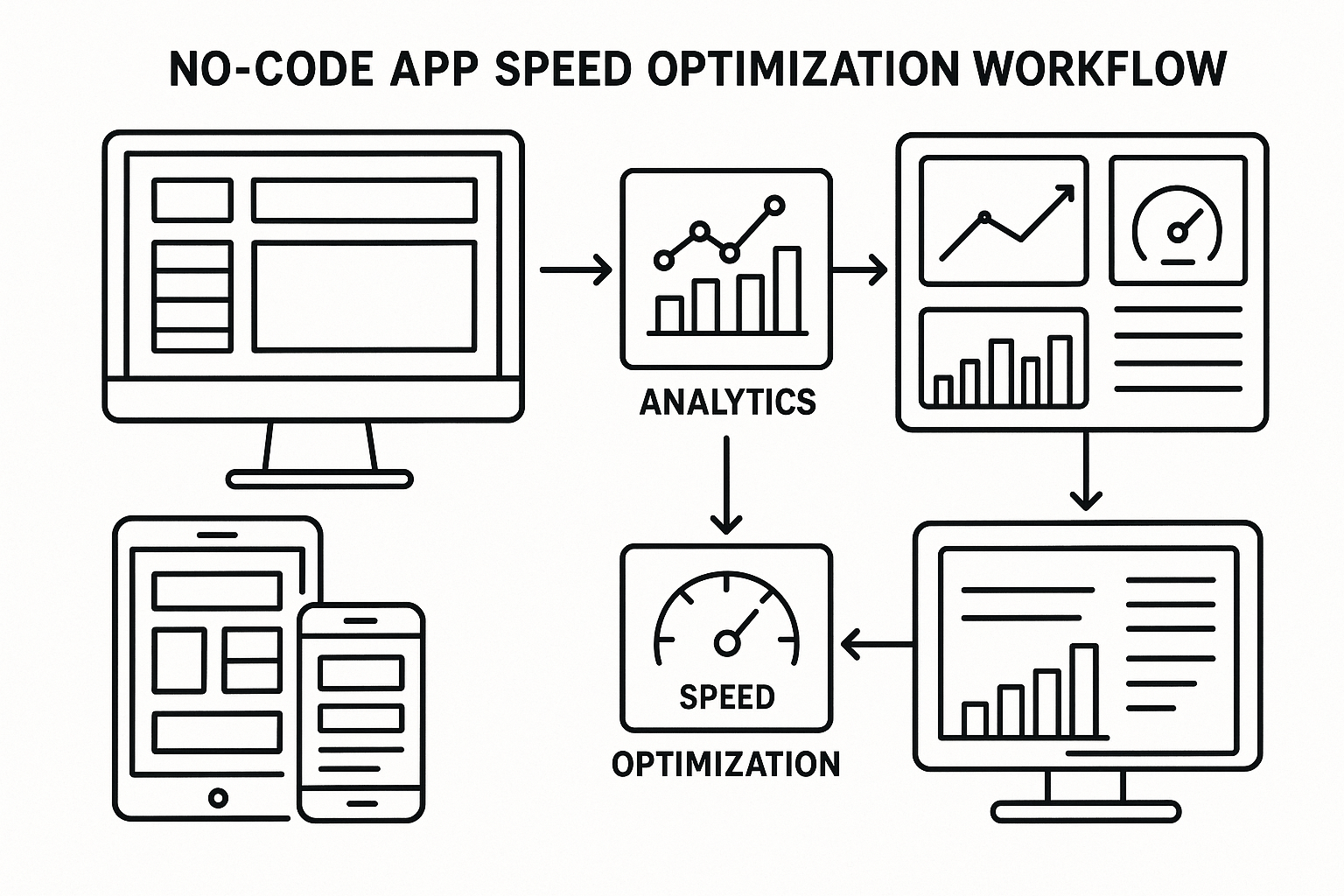
Optimization starts with measuring, not guessing. We use a consistent diagnostic framework across all platforms to identify what’s slowing an app. You can follow this same approach.
Step 1: Measure First Load and Interaction Latency
Use browser developer tools or Flutter’s performance overlay to capture load times. In Bubble, the built-in performance monitor reveals workflow durations; in FlutterFlow, add print() statements to key async calls. A first load over three seconds usually signals an overloaded data fetch or a slow image render.
Step 2: Identify Heavy Elements
Audit large images, repeating groups, and conditional sections. In Bubble, check repeating groups that load full lists without constraints. In FlutterFlow, look for widgets nested more than five levels deep. Lovable often inserts redundant logic that runs multiple API calls per screen-simplify these manually.
Step 3: Benchmark Database Queries
Query optimization is often the biggest win. For example:
// Example in Bubble-style logic pseudocode
Search for: Orders (constraint: Date > Current Date - 30 days)
That single constraint can cut query load by 80%. In Firebase or Supabase backends, index fields used for sorting and filtering to reduce round-trip latency.
Front-End Optimization Techniques That Work
Front-end responsiveness heavily affects perceived performance. Even if backend latency is acceptable, UI lag causes users to feel that the app is slow.
Optimize Above-the-Fold Rendering
Lazy-load anything below the fold. For example, show the top five items immediately and fetch the rest async:
ListView.builder(
  itemCount: firstBatch.length,
  itemBuilder: (context, index) => ItemTile(firstBatch[index]),
)
In Bubble, break large pages into reusable elements and load them conditionally. This reduces the initial HTML payload and cuts rendering time.
Compress and Cache Images
We’ve seen apps drop from 14 seconds to move off the splash screen down to 3 seconds simply by compressing images to WebP and caching them. On Webflow, ensure background videos autoplay only after user interaction. FlutterFlow offers CachedNetworkImage-use it everywhere.
Reduce Script Overhead
Third-party scripts often cause dealbreakingly slow startup. Defer non-critical scripts until after the first paint. In Lovable or Bolt.new, edit the generated JS bundles to load analytics asynchronously:
<script async src="/analytics.js"></script>Backend and Workflow Optimization
When performance dips, the workflows get messy. Over time, no-code builders add complex triggers and conditions that fire unnecessarily. Streamlining these is key to restoring speed.
Audit Triggers and Conditions
In Bubble, check backend workflows that fire on every data change. If only 10% of changes need processing, add filters. In Lovable, generated logic may chain multiple “onDataChange” handlers-merge them into one clean function.
Batch Operations and Pagination
Apps bog down when they try to process large datasets client-side. Move repetitive tasks to backend batch processing or paginate results. In FlutterFlow, use Firestore’s limit() function; in Bubble, load data in increments using custom states.
Cache Computed Results
Cache heavy computations. For example, precompute analytics summaries nightly rather than calculating them on every dashboard view. This limits database reads and improves responsiveness across sessions.
Scaling Beyond 300 to 10,000 Users
Many builders only notice the inflection point caused by scale when their app crosses a few hundred active users. The optimizations that work for early MVPs may not hold at 10,000 users. Here’s how performance characteristics differ across platforms.
| Platform | Under 300 Users | At 10,000 Users | Critical Bottleneck |
|---|---|---|---|
| Bubble | Quick load, moderate workflow load | Rendering lag, database strain | Client-side rendering and query size |
| FlutterFlow | Fast on emulator | Impeller rendering latency | Widget nesting, image caching |
| Lovable | Rapid prototype generation | Redundant logic blocks | Excessive async calls |
| Webflow | Instant static delivery | Slow dynamic embeds | Third-party script load |
As user counts grow, even small inefficiencies turn exponential. For example, a single non-indexed query that takes 300 ms per user becomes crippling at 10,000 users.
When to Migrate Backends
If you’re approaching performance ceilings, consider shifting data-heavy operations to a dedicated backend. We’ve migrated dozens of apps from Bubble’s built-in database to Supabase or Firebase while keeping the front-end intact. This hybrid approach maintains visual editing ease but unlocks true scalability.
Advanced Techniques for Mixed Toolchains
Many modern teams use hybrid stacks: a Bubble front-end with a Bolt.new AI backend, or a FlutterFlow mobile app coupled with a Lovable-generated admin panel. These combinations amplify performance complexity.
Shared Auth and Data Gateways
Use a single API gateway for authentication and data exchange. Avoid cross-calling between no-code platforms. Every cross-call adds network latency. Tools like Base44’s edge functions can consolidate requests into one endpoint.
Static Export and CDN Delivery
Whenever possible, export static assets and serve them from a CDN. For example, Webflow and Builder.ai allow static export for public pages-this reduces initial server load and globally improves delivery time.
Monitoring and Alerting
Set up monitoring to catch regressions early. Use Google Lighthouse or Flutter’s performance dashboard weekly. We’ve built internal scripts that send alerts if first contentful paint exceeds three seconds. Similar checks can be implemented through low-code monitoring tools like BetterStack.
When to Call in AppStuck
DIY debugging has limits. If your app takes over a minute to load or mobile users report that it feels dealbreakingly slow even after basic optimizations, it’s time to bring in specialists. Our team at AppStuck has fixed more than 300 no-code apps that hit performance walls. We identify root causes-whether it’s Bubble’s rendering engine, FlutterFlow’s widget structure, or Lovable’s duplicated workflows-and restructure your app for long-term speed. When you’ve spent days trying to untangle weird logic and nothing moves faster, that’s where we step in to make your app feel native again.
Related posts




Need Help with Your AI Project?
If you're dealing with a stuck AI-generated project, we're here to help. Get your free consultation today.
Get Free Consultation