Bolt.new Payment Gateway Setup 2026: Stripe Integration Fixes

Understanding the Bolt.new Payment Gateway Architecture
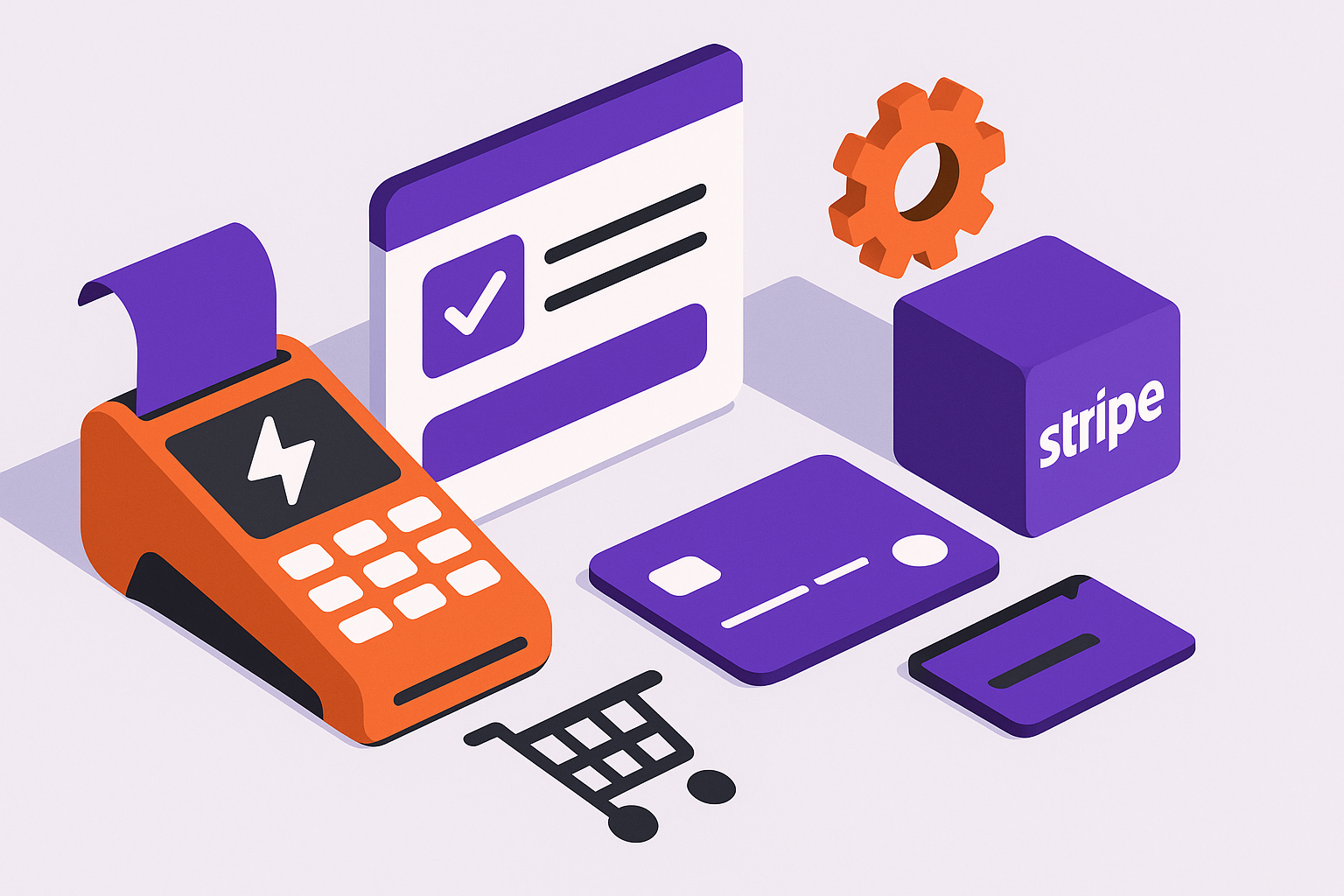
Bolt.new’s payment system is built to be low-code, wrapping Stripe’s API through a secure backend proxy called the Payment Gateway Connector. It handles tokenization, checkout sessions, and post-payment status callbacks. For simple one-time purchases or subscriptions, the built-in module works. But when you introduce dynamic carts or multi-seller logic, the lack of flexibility in Bolt’s default payment node becomes evident.
The gateway links to Stripe via your secret and publishable keys. However, Bolt.new limits key exposure for security, meaning any advanced Stripe API call outside pre-defined templates must go through a Custom Function or Edge Function. This restriction often confuses developers expecting full API parity. We’ve seen at least 40 apps fail to sync product metadata correctly because they used the wrong key context when creating sessions.
What the Built-in Stripe Integration Actually Does
The native integration supports these flows:
- One-time product payments using pre-created Stripe products.
- Subscription checkout sessions with automatic trial handling.
- Webhook-based status updates for successful payments or cancellations.
It does not natively support dynamic product lists or marketplace-style payouts via Stripe Connect. These require manual setup or workarounds using Stripe’s API.
Key Limitations to Watch For
While Bolt’s simplicity is appealing, the tradeoffs include:
- No built-in cart array handling for variable item totals.
- Limited webhook routing-only one endpoint per project.
- Edge Function cold starts causing webhook timeout errors.
| Feature | Supported Natively | Workaround Needed |
|---|---|---|
| Single product checkout | Yes | No |
| Dynamic cart checkout | No | Yes (Custom Function) |
| Stripe Connect (marketplace) | No | Yes (External API call) |
| Subscription cancellation | Partial | Yes (Webhook handler) |
Understanding these constraints early saves hours of frustration later.
Setting Up Stripe in Bolt.new for 2026
Start with the Stripe Integration block available in Bolt.new’s integrations panel. You’ll need your Stripe API keys and at least one product defined in Stripe’s dashboard. Follow these exact steps to ensure a clean connection.
- In Bolt.new, open Integrations → Stripe.
- Paste your Stripe secret and publishable keys.
- Enable Test Mode until checkout is verified.
- Create a Payment Node and link it to your checkout button.
- Bind the node to your Stripe product ID.
Run a quick test purchase. You should see the session appear in Stripe’s dashboard. If not, verify that your Bolt.new project’s environment variables are correctly set. The secret key must be accessible only to server-side functions.
Testing Tips
Use Stripe’s test card numbers to simulate transactions. If payments are failing silently, check the browser console for network errors. Many Bolt.new users forget that the payment block runs asynchronously, so chaining logic directly after the block without awaiting completion can cause skipped steps.
Paste this into your AI assistant if payments don’t trigger: “My Bolt.new Stripe payment block runs but no checkout URL is generated. Review my Bolt function code for missing await or incorrect API key usage.”
That debugging prompt has helped countless Bolt developers isolate async timing bugs.
Webhook Configuration
Webhooks are critical for updating order or subscription status. Go to your Stripe dashboard, open Developers → Webhooks, and point the endpoint to your Bolt Edge Function URL (e.g. https://your-app.bolt.new/api/stripe/webhook). Then, verify the signing secret matches your Bolt environment variable.
If you’re seeing delayed updates, ensure your Edge Function stays warm by triggering a lightweight GET request hourly.
Building a Dynamic Cart Checkout Flow
Dynamic carts are the number one source of frustration because Bolt.new doesn’t support them natively. Users often complain that it “doesn’t support dynamic carts.” That’s true for default components, but you can simulate it with a structured array and a Custom Function that builds a Stripe Checkout Session dynamically.
Here’s a simplified code pattern to use in your Custom Function:
const stripe = require('stripe')(process.env.STRIPE_SECRET_KEY);\nexports.handler = async (event) => {\n const items = event.body.items.map(i => ({\n price_data: { currency: 'usd', product_data: { name: i.name }, unit_amount: i.price * 100 },\n quantity: i.qty\n }));\n const session = await stripe.checkout.sessions.create({\n payment_method_types: ['card'],\n line_items: items,\n mode: 'payment',\n success_url: 'https://yourapp.bolt.new/success',\n cancel_url: 'https://yourapp.bolt.new/cancel'\n });\n return { statusCode: 200, body: JSON.stringify({ url: session.url }) };\n};
This custom handler builds a real cart using dynamic line items. The front-end simply posts an array of selected items to this endpoint, which returns a checkout URL. That URL can be opened in a new tab or within an iframe component.
Once you get this working, store each Stripe session ID in your Bolt database to track post-payment behavior. If this kind of setup is eating your week, AppStuck can take it from here. We’ve built reusable templates for dynamic carts that drop right into your project.
Handling Edge Function Timeouts
When your function takes longer than five seconds, Bolt.new’s Edge runtime may terminate it before Stripe responds. Keep payloads small and avoid large loops. You can also pre-generate price objects in Stripe instead of creating them dynamically on every checkout.
Advanced Stripe Connect and Marketplace Scenarios
If your Bolt.new app needs to pay multiple sellers or route commissions, you’ll need Stripe Connect. Bolt doesn’t have a built-in connector for this, but it can call Stripe’s REST API directly via secure functions.
Here’s a minimal flow outline:
- Create connected accounts manually in Stripe or via the API.
- Store the
account_idfor each seller in your Bolt database. - Use a server-side Custom Function to create transfers after successful payments.
Example snippet for post-payment transfer:
await stripe.transfers.create({\n amount: Math.floor(order.total * 0.9 * 100),\n currency: 'usd',\n destination: seller.stripeAccountId,\n transfer_group: order.id\n});
This ensures the seller gets 90% of the sale and you retain 10% as a fee. Always handle failed transfers gracefully by logging responses in Bolt’s Data Table or a Supabase log table.
Integrating Subscription Gating
Many apps require content gating based on active subscriptions. Bolt.new doesn’t auto-refresh user session data after Stripe webhook updates. You must implement a webhook listener that updates the user’s record with the subscription status. Then, in your front-end logic, gate visibility using a conditional render bound to that status field. This eliminates the common problem of users losing access mid-session after canceling.
Troubleshooting Payment Failures in Bolt.new
When payments fail, it’s rarely Stripe’s fault. Most often, Bolt’s async chain or webhook receiver misfires. Here’s a quick checklist that has saved our clients dozens of hours:
- Confirm
awaitis used before redirecting users tosession.url. - Ensure all custom functions return JSON responses.
- Test webhook signatures using Stripe CLI before deploying.
- Keep secret keys only in server-side context.
- Use Stripe’s test event replay to confirm your Bolt endpoint processes all events.
If you’re using Stripe payment links but need to tell Bolt to add the client_reference_id, append it manually before redirecting to Stripe. This ID connects the session back to your Bolt database and prevents orphaned transactions.
Common Error Patterns
We’ve cataloged over 100 recurring payment bugs across Bolt apps. The most persistent include:
- Infinite checkout loops caused by double event triggers.
- Edge Function cold starts delaying webhook acknowledgment.
- 404 errors when calling deprecated Bolt API paths.
In all these cases, the fix is usually to centralize payment creation and webhook handling into a single function, reducing the number of async entry points.
When to Call in AppStuck
You can implement the fixes above, but if your checkout is still stuck in “trial, error and pain,” it’s time to get help. When your app depends on marketplace payouts, multi-currency carts, or subscription gating that doesn’t break user flow, debugging alone can eat weeks. Our team at AppStuck has already rebuilt dozens of Bolt.new Stripe integrations, often rescuing projects that were about to launch. We audit your checkout logic, create a clean webhook pipeline, and optimize Edge Functions for reliability. If your Bolt payment setup is blocking your release, AppStuck can take it from here.
By stabilizing your payment flow now, you’ll free yourself to focus on customers instead of error logs-and that’s the real win in 2026.
Related posts

Need Help with Your AI Project?
If you're dealing with a stuck AI-generated project, we're here to help. Get your free consultation today.
Get Free Consultation