Lovable Custom Domain Not Working: DNS and SSL Fixes 2026
Start With the Symptom, Not the DNS Screen
When a Lovable custom domain is not working, the fastest fix usually starts outside Lovable. Open the deployed domain in an incognito window, then open DevTools before you refresh. Check the Console, the Network tab filtered to Fetch/XHR, and the Security tab if your browser shows one.
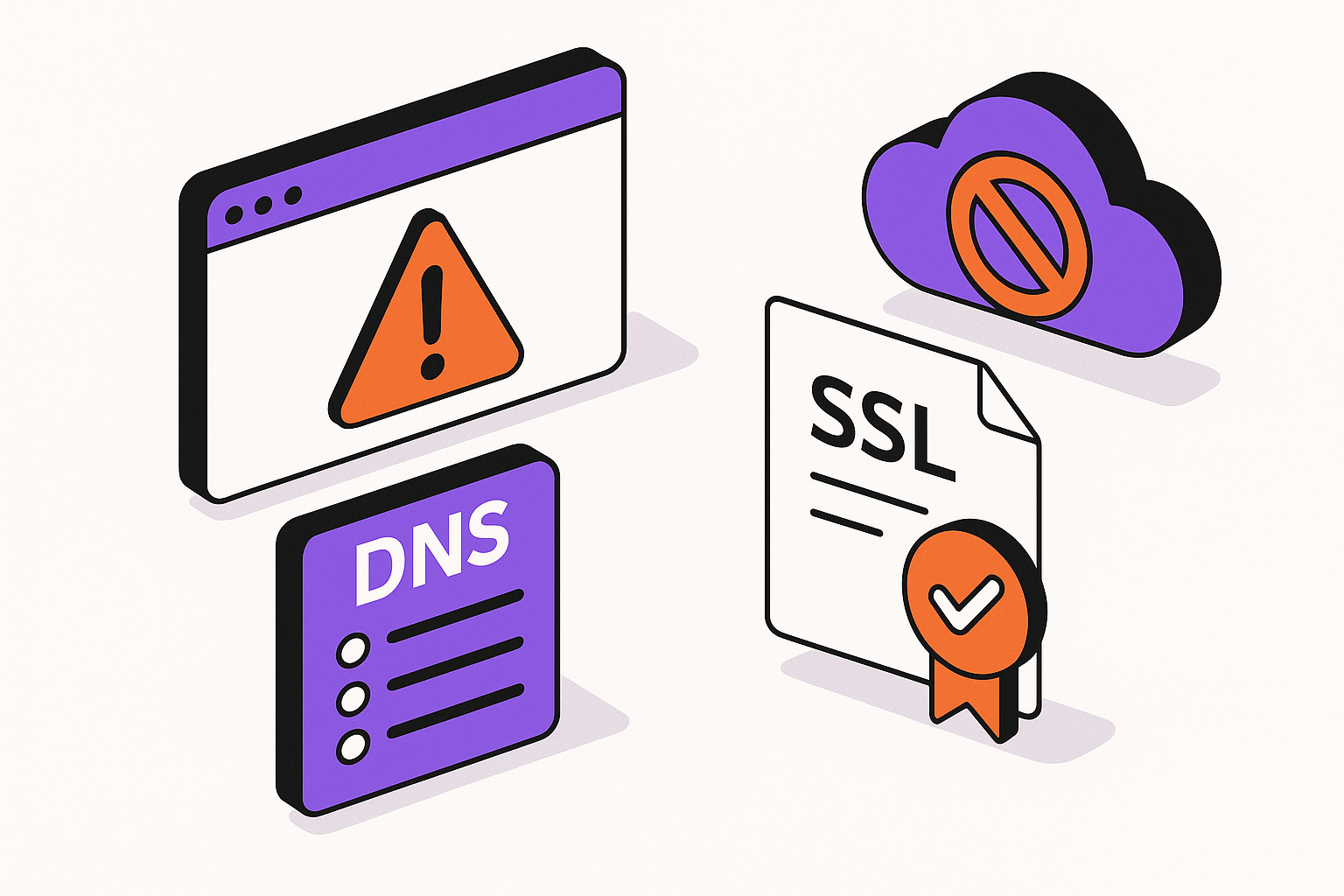
This separates four problems that look similar from the outside. A DNS failure means the browser cannot find the host. An SSL failure means the browser found a server, but the certificate does not match or is not trusted. A wrong-site problem means DNS is pointing somewhere valid, just not to the Lovable deployment you expect. A Lovable status problem means the domain is not fully verified or mapped inside the platform.
Read the browser message carefully
DNS_PROBE_FINISHED_NXDOMAIN points to missing or incorrect DNS. NET::ERR_CERT_COMMON_NAME_INVALID points to certificate mismatch. A Cloudflare-branded error page means Cloudflare is in the request path, even if you forgot it was enabled. A blank page with 200 responses is not a domain problem, it is usually an app runtime issue.
Check Lovable before changing records
In the Lovable project, confirm the app has been published and that the custom domain is attached to the correct project. A domain attached to a stale project can make the browser look correct while serving an old build. If you are maintaining a broader Lovable launch, write down the current status label before editing DNS.
| Symptom | Likely area | First place to inspect |
|---|---|---|
| Domain not found | DNS | Registrar DNS zone |
| Stuck on Verifying | TXT or A record | Lovable domain settings and DNS records |
| SSL warning | Certificate issuance | Proxy, CAA, and domain status |
| Wrong site loads | Conflicting records | A, AAAA, CNAME, and forwarding rules |
When to call an expert: if the browser, DNS provider, and Lovable all show different versions of reality after you have waited for propagation, stop rotating settings randomly. That is how clean DNS problems turn into broken email, broken redirects, and duplicate production hosts.
Fix the DNS Records Lovable Actually Needs
DNS is the public routing table for your domain. Lovable can only verify and serve your app if the domain resolves to the records Lovable expects. The mistake is treating the DNS screen like a notes field. It is not. Every extra A, AAAA, CNAME, or forwarding rule can change the path a visitor takes.
Start with the exact host you are connecting. The apex domain is example.com. The www host is www.example.com. They are different DNS names and may need different records. Fixing one does not automatically fix the other unless you add a redirect or a provider-level forwarding rule after the Lovable domain is live.
Remove conflicting records first
Before adding new values, delete old web-hosting records for the same host. Common leftovers include A records from a prior Webflow, Vercel, Netlify, Squarespace, or registrar parking page, plus AAAA records added automatically by the DNS host. Multiple web records for the same host can make verification inconsistent because different resolvers may see different answers.
Use one source of truth
If your nameservers point to Cloudflare, edit records in Cloudflare, not at the registrar. If your registrar uses its own nameservers, edit there. Many domain fixes fail because the builder updates the wrong dashboard. The registrar can still sell you the domain while Cloudflare or another DNS host controls the live zone.
Verify the host, not just the domain
Look for the exact record name Lovable asks for. If Lovable asks for a TXT record on the apex, do not place it under www. If it asks for a record under a specific subdomain, do not flatten it to the root. Some DNS panels hide the root host behind @, while others expect a blank name.
"Review this DNS configuration for a Lovable custom domain. I am trying to connect [domain]. Here are my A, AAAA, CNAME, TXT, CAA, forwarding, and nameserver values: [paste records]. Tell me which records conflict with Lovable verification and which host each record affects."
DNS cleanup checklist
- Confirm the nameservers shown at the registrar match the DNS provider you are editing.
- Confirm the apex and www host each have only the records needed for your chosen setup.
- Remove old A records, AAAA records, and CNAME records for the same host.
- Place the TXT verification record on the exact host Lovable shows.
- Disable registrar parking and URL forwarding while testing Lovable verification.
When to call an expert: if your domain also handles business email, do not delete records blindly. MX, SPF, DKIM, and DMARC records are not part of the website route, but a rushed cleanup can break mail delivery.
If you want a second set of eyes before changing production DNS, send AppStuck the current records and the Lovable status. We can tell you what is safe to remove and what needs to stay.
Unstick Verifying and Unable to Verify
Lovable domain status labels are useful, but they are not a full diagnosis by themselves. A domain stuck on Verifying means Lovable has not confirmed the expected public DNS state. Unable to verify means the platform checked and did not see what it needed, or saw conflicting routing that prevents a safe mapping.
Do not keep pressing verify after every small edit. DNS is cached at several layers: your DNS host, recursive resolvers, browser cache, operating system cache, and sometimes a CDN. If the record is wrong, waiting will not fix it. If the record is right, repeated edits can reset the clock and make the problem harder to read.
Confirm publication and ownership
A custom domain should point to a published project. If your Lovable project has not been published, or if you attached the domain to a different Lovable project during testing, the domain may verify poorly or show the wrong version. Check the project name, domain entry, and latest published state in the same Lovable workspace.
Check TXT records exactly
TXT verification values are sensitive to extra spaces, missing prefixes, and provider formatting. Some DNS panels wrap TXT values in quotes visually. That is usually fine. The dangerous part is adding only part of the value, adding it under the wrong host, or keeping an old verification token from another platform.
Respect TTL without waiting forever
TTL controls how long resolvers may cache a value. A low TTL helps future changes propagate faster, but it does not instantly purge records already cached elsewhere. If the DNS panel shows the right value and Lovable still cannot verify after a reasonable wait, look for conflicting records instead of assuming time is the only issue.
| Lovable status | What it usually means | Useful next action |
|---|---|---|
| Pending | Domain added but not ready | Publish project and confirm setup steps |
| Verifying | Lovable is checking DNS | Inspect TXT, A, CNAME, and nameservers |
| Unable to verify | Required public DNS is missing or conflicted | Remove wrong host records and retry after cache clears |
| Live | Domain is mapped | Test SSL, redirects, and latest build |
"My Lovable domain is stuck on [Verifying or Unable to verify]. Given these DNS records and this Lovable domain status screenshot: [paste details], identify the exact mismatch and give me the safest order of operations to fix it without breaking email."
When to call an expert: if verification worked once and then fails again after a DNS host change, workspace change, or domain removal, the issue may be a stale mapping plus DNS conflict. At that point, you need a controlled cleanup plan rather than more retries.
Fix SSL, Cloudflare Proxy, and Certificate Problems
SSL is issued after the domain can be verified and routed correctly. That order matters. If DNS is wrong, certificate issuance may fail. If a proxy sits between Lovable and the public internet, certificate validation can fail, renew incorrectly, or produce a certificate for the proxy path instead of the Lovable host.
Cloudflare is the usual place this gets confusing. An orange-cloud proxied record changes how traffic reaches the origin. That is useful for many apps, but it can interfere with domain verification and certificate provisioning when the platform expects to see direct DNS answers or complete validation itself.
Turn proxying off while connecting
For initial setup, set the relevant Cloudflare DNS record to DNS only, often shown as a gray cloud. Then let Lovable verify and provision SSL. After the domain is Live, you can decide whether a CDN or reverse proxy is appropriate. Do not mix advanced proxy settings into the first verification attempt unless you know exactly which certificates terminate where.
Check SSL mode and redirect loops
If Cloudflare is involved, avoid configurations that downgrade origin communication or force competing HTTPS redirects. A browser loop between http:// and https://, or between apex and www, can look like Lovable is down while the real issue is two systems trying to canonicalize the same request.
Look at CAA records
CAA records tell certificate authorities which issuers are allowed to create certificates for your domain. They are easy to forget because many simple domain setups never touch them. If a previous host added restrictive CAA records, Lovable's certificate process may be blocked even when A and TXT records are correct.
SSL failure checklist
- Confirm the domain status in Lovable is verified or Live before blaming SSL.
- Set Cloudflare records used by Lovable to DNS only during initial setup.
- Remove or adjust restrictive CAA records that block the required certificate issuer.
- Check for forced HTTPS rules in both the DNS provider and the app platform.
- Test in a private browser window after clearing browser HSTS assumptions where practical.
"Diagnose this Lovable custom domain SSL failure. Browser error: [paste error]. DNS records: [paste records]. Proxy and CAA settings: [paste settings]. Explain whether this is DNS, proxy, CAA, or certificate propagation, and list the minimal safe changes."
When to call an expert: if you are using Cloudflare Access, a reverse proxy, custom SSL rules, or locked-down CAA records, the fix is no longer a beginner domain setup. You need someone to design the traffic path instead of toggling security settings until the warning disappears.
Handle Registrar Forwarding, Apex, and www Traps
Many domain problems happen before traffic ever reaches Lovable. Registrars often include parking pages, masked forwarding, email bundle records, website builders, and synthetic redirect products. These features can stay active even after you add the records Lovable asks for.
The apex versus www decision is the biggest practical trap. Users type both. Search engines discover both. Your social links may use one while your product emails use the other. Lovable can serve the app on the host you configure, but you still need a canonical routing plan for the alternate host.
Do not use masked forwarding as hosting
Registrar forwarding can redirect one host to another, but masked forwarding is not the same as a clean website deployment. It can create iframe-like behavior, break paths, confuse SSL, and make the app appear under a domain without actually routing the app correctly. Use DNS records and platform-supported redirects, not masking.
Choose a canonical host
Pick either example.com or www.example.com as the canonical public URL. Then route the other host with a proper redirect. Do not leave both serving separate versions of the app. That creates analytics confusion, duplicate indexing, and cookie differences that are painful to debug later.
Watch for provider-specific flattening
Some DNS providers support CNAME flattening at the apex. Others do not. Some represent the root as @, some as the bare domain, and some hide it behind a form label. The practical rule is simple: compare public DNS results to what Lovable expects, not just what the provider dashboard appears to show.
| Setup | Good use | Risk |
|---|---|---|
| Apex as primary | Short brand URL | Needs careful root DNS support |
| www as primary | Simple subdomain routing | Requires redirect from apex |
| Registrar forwarding | Temporary redirect only | Can conflict with SSL and paths |
| Masked forwarding | Almost never for apps | Breaks app behavior and SEO signals |
A clean Lovable production setup should make one domain the source of truth and make every other public version point there. That includes old staging domains, default platform URLs that are still shared publicly, and marketing-site links that predate the custom domain.
When to call an expert: if your registrar combines DNS, forwarding, email, and a site builder in one control panel, get help before deleting records. The UI may hide dependencies that are not obvious until email, SSL, or the old website breaks.
After the Domain Goes Live, Finish the Launch
A Live status is not the end of the job. It means the domain is mapped and reachable. You still need to verify that users, crawlers, payment callbacks, auth redirects, and shared links all land on the right host with the right protocol.
First, test the app like a new user. Visit the apex and www versions. Try http:// and https://. Click through the main navigation, sign in if the app has auth, and perform one action that hits your backend. Watch the Network tab for calls going to old preview URLs or blocked origins.
Update environment-dependent URLs
Auth providers, payment providers, email templates, webhook senders, and API allowlists often store absolute URLs. If those still point to a Lovable preview URL or a temporary domain, the custom domain can load while login, checkout, or callbacks fail. Update redirect URIs, allowed origins, webhook endpoints, and public app URLs wherever your stack uses them.
Set redirects and indexing signals
Make sure the non-canonical host redirects to the canonical one with HTTPS. Update your sitemap, canonical tags if your app controls them, social profile links, transactional email links, and any marketing pages pointing to the old URL. A domain that loads but splits traffic across multiple versions will create noisy analytics and weaker search signals.
Clear caches in the right order
If Cloudflare or another CDN was involved, purge cache after the correct DNS and redirect rules are in place. Clear local browser cache only after you confirm public behavior from a second network or incognito session. Otherwise you can convince yourself a broken state is fixed, or a fixed state is still broken.
Post-Live launch checklist
- Confirm
https://example.comandhttps://www.example.comresolve to the intended final host. - Confirm the non-canonical host redirects once, not through a chain.
- Update auth redirect URIs and allowed origins to the final domain.
- Update payment, webhook, and email callback URLs.
- Test the latest published Lovable build, not only the editor preview.
"Create a post-launch domain checklist for my Lovable app at [domain]. Include DNS, SSL, redirects, auth callback URLs, payment webhook URLs, cache clearing, and SEO checks. Flag anything that could still point to the old preview domain."
When to call an expert: if the domain is Live but login, checkout, forms, or API calls fail only on the custom domain, stop treating it as DNS. That is now a production configuration issue across your app, backend, and third-party services.
When to Call in AppStuck
Most Lovable custom domain failures are fixable once you separate DNS, verification, SSL, proxying, and post-launch configuration. The danger is changing too many systems at once. A domain can look simple while it touches your registrar, DNS host, CDN, email, auth provider, payment provider, analytics, and Lovable workspace.
Call in help when the cost of another random change is higher than the cost of a structured diagnosis. That point usually arrives when the domain has business traffic, users are waiting, email depends on the same DNS zone, or the app works in the editor but breaks under the final public URL.
AppStuck specializes in rescuing and completing Lovable projects, including DNS cleanup, SSL troubleshooting, production configuration, and launch readiness. We will tell you honestly what your project needs and what it costs before any work starts.
Still stuck after trying these fixes?
AppStuck can trace your Lovable domain from registrar to browser, fix the records safely, and finish the production setup around SSL, redirects, auth, and launch checks.
Book a free 30-minute assessment