Lovable to Cursor Migration

Why a working Lovable build outgrows Lovable
Lovable is useful when you need to shape an app quickly, prove a workflow, and let AI generate a lot of interface and integration code fast. The trouble starts when the work changes from making the app exist to controlling exactly how it behaves.
That is the usual point where a founder starts thinking about Lovable to Cursor migration. The app may still be valuable. The issue is that bug fixing, refactoring, package management, environment setup, and production debugging now need a normal developer workflow.
Cursor is that next development environment. It is not magic replacement hosting, and it does not automatically understand every decision Lovable made. It gives you an editor, AI-assisted coding, terminal access, local execution, version control, and room to make precise changes. That is exactly what you need when broad prompts are creating bug loops or when the fixes have become too specific for a prompt-only workflow.
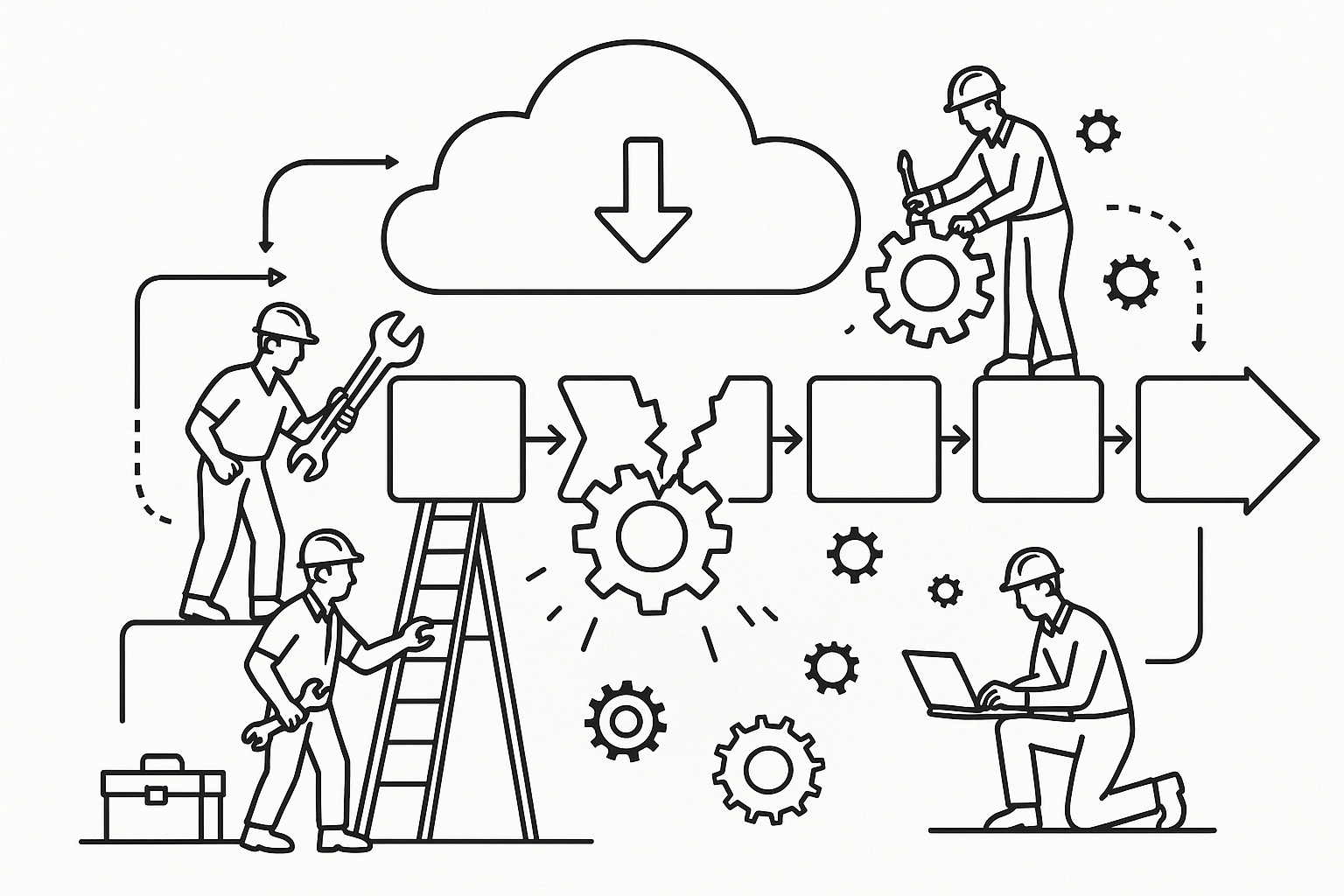
The wrong mental model is export equals migration. Export is a file transfer. Migration is making the exported project build, run, connect to the same services, preserve the right behavior, and continue development without losing the hidden context that was living in Lovable.
What actually moves from Lovable to Cursor
The parts that usually move cleanly are the frontend source files, components, routes, styles, package metadata, and whatever project structure Lovable generated. If the Lovable project is connected to GitHub or exported as code, Cursor can open that repository like any other app.
What does not automatically move is just as important. Your live database does not become a local database because you opened the code in Cursor. Your hosting configuration does not follow you unless it is represented in files or recreated in the new host. Secrets are not supposed to be committed to a repository, so they are often missing from the exported project by design.
That is why founders often see a confusing pattern: the folder opens, the code is visible, packages can be installed, but the app fails as soon as it calls an API, loads authentication state, or touches data. The export succeeded. The runtime environment is incomplete.
Checklist: what must exist before the app is really migrated
- The repository opens in Cursor and contains the expected package file, usually
package.json. - Dependencies install without unresolved package errors after running the appropriate install command.
- A local environment file exists and contains every required key with the same names used in the code.
- The app can reach its backend service from local development without a 401, 403, or missing URL error.
- The current production deployment is still untouched until the Cursor version has been verified separately.
- Product rules, prompts, and Lovable Knowledge have been copied into a durable project document or Cursor rules file.
A safer way to think about the move is in layers. First, move the code. Second, reconstruct the runtime settings. Third, reconnect backend services. Fourth, document context. Fifth, set up a deployment path that you can roll back if the new build fails.
The migration plan when the app still has users
Start by freezing the working state. Do not keep prompting Lovable while also making uncontrolled edits in Cursor unless you have a clear sync plan. Two tools editing the same codebase can work, but only if Git history is clean and one environment is treated as the source of truth for each change.
Next, export or sync the Lovable project to GitHub. Open that repository in Cursor, install the packages, and run the app locally. Expect friction here. Local development means your laptop now needs the project packages, Node version, environment files, and command-line tools that Lovable previously abstracted away.
If the project does not start, avoid asking Cursor for a broad rewrite. Use the first failing error as the scope. A missing package, missing environment variable, or failing import should be fixed directly before asking the AI to redesign anything. Cursor performs better when the problem is specific and contained.
Once the app runs locally, create a separate staging deployment before touching production. The staging build should use its own environment variables where possible and should point to safe backend resources unless you have a reason to test against production data. A migration that overwrites a working production setup before the new one is proven is not a migration. It is a high-risk cutover.
If you need hands-on help turning a Lovable export into a running Cursor project, get a technical assessment before you rewrite the app.
The hard part is backend, secrets, and deployment
The most common confusion in this move is expecting the repository to contain everything. It should not. Secrets such as API keys, database URLs, authentication tokens, and service role keys should never be committed into Git. When they are absent after export, that is usually correct behavior, not a broken export.
Your job is to rebuild the environment intentionally. Search the code for environment variable names, usually strings that begin with patterns like VITE_, NEXT_PUBLIC_, SUPABASE_, or similar project-specific keys. Then create a local environment file with those exact names. Changing the names without changing the code only creates a new failure.
If the app uses Supabase or another backend, separate three questions. Where is the live data? Which keys does the frontend need? Which privileged keys must stay server-side only? A frontend key and a service role key are not interchangeable. Putting privileged backend secrets into client-exposed code can create a security problem even if it makes the local app start.
Hosting is a separate layer again. Lovable may have been providing preview hosting or deployment glue around the generated app. Cursor will not replace that by itself. You need a deployment target, build command, output settings, environment variables in the host, and a rollback plan. Until those exist, the project is local development only.
This is the point where a non-technical founder should slow down. You do not need to become a full-time engineer, but you do need an inventory: repository, environment variables, backend provider, database tables, authentication provider, storage buckets, cron jobs or scheduled tasks, payment provider, and production host. Without that inventory, debugging becomes guesswork.
Move the context, not just the files
A Lovable project often contains decisions that are not obvious in the code. Prompt history, Knowledge entries, naming conventions, product constraints, design preferences, and explanations of why a feature works a certain way may live outside the repository.
When you move into Cursor, capture that context deliberately. Write down the app purpose, main user roles, key workflows, backend tables, authentication rules, third-party services, design rules, and things the AI should not change. If you have Lovable Knowledge or repeated prompts that shaped the app, convert them into project instructions for Cursor.
This matters because AI coding tools can damage a working app when they lack boundaries. A prompt like fix auth can lead to broad changes across routing, state management, API calls, and database assumptions. A better instruction says which auth provider is used, which route is failing, what the expected redirect is, and which files should not be rewritten.
Treat the first Cursor phase as stabilization, not expansion. Get the exported app running. Make one small fix. Commit it. Deploy to staging. Confirm the behavior. Then continue. If the first Cursor session becomes a redesign, you lose the ability to tell whether the migration failed or the new changes failed.
AppStuck specializes in rescuing and completing Lovable projects when the prototype has become real software and the next work requires cleaner code, safer deployment, and a controlled development process.
Lovable to Cursor migration questions
Can I export a Lovable project and open it directly in Cursor?
Yes, if you have the project code through GitHub sync or a download, Cursor can open it as a normal repository. That is only the first step. You still need to install dependencies, choose the right runtime, create local environment variables, and confirm the app can reach its backend services. Opening the folder proves you have files. Running the app proves the development environment has been reconstructed.
Why does my Lovable export have missing environment variables?
Environment variables are usually missing because secrets should not be stored in the repository. That protects API keys, database credentials, and private tokens from being exposed in Git. The fix is to identify the variable names used in the code and recreate the values in a local environment file and in any new deployment host. Do not rename keys casually. The code expects exact names.
Should I keep using Lovable after moving to Cursor?
You can, but only with a clear source-of-truth rule. If Lovable and Cursor both keep changing the same files without disciplined Git commits, conflicts and regressions become likely. Some teams keep Lovable for quick UI exploration and Cursor for controlled implementation. Others make a clean break once the app needs deeper debugging. The important decision is not emotional. It is whether you can manage changes safely.
Does Cursor replace Lovable hosting or backend services?
No. Cursor is a development environment. It helps you edit, understand, and run code, but it does not automatically recreate hosting, databases, authentication, storage, or scheduled jobs. Those services must be connected, configured, or migrated separately. If your Lovable app depends on Supabase, API providers, or a specific deployment setup, those pieces need their own migration plan before production traffic moves.
When has a Lovable app truly outgrown the platform?
The app has outgrown the platform when the work is no longer mostly about generating screens and flows. Signs include repeated bug loops, fixes that require reading several files together, fragile backend behavior, unclear deployment settings, or a need for structured version control. At that point, Cursor can be the right next environment, provided the migration includes backend, secrets, hosting, and project context.
Do not let a working Lovable app become an unusable Cursor folder.
AppStuck takes on Lovable rescue and completion projects, including code export, backend reconnection, environment setup, deployment planning, and continued development in Cursor. We will tell you honestly what your project needs and what it costs before any work starts.
Book a free 30-minute assessment