Version AI Generated Files No Git

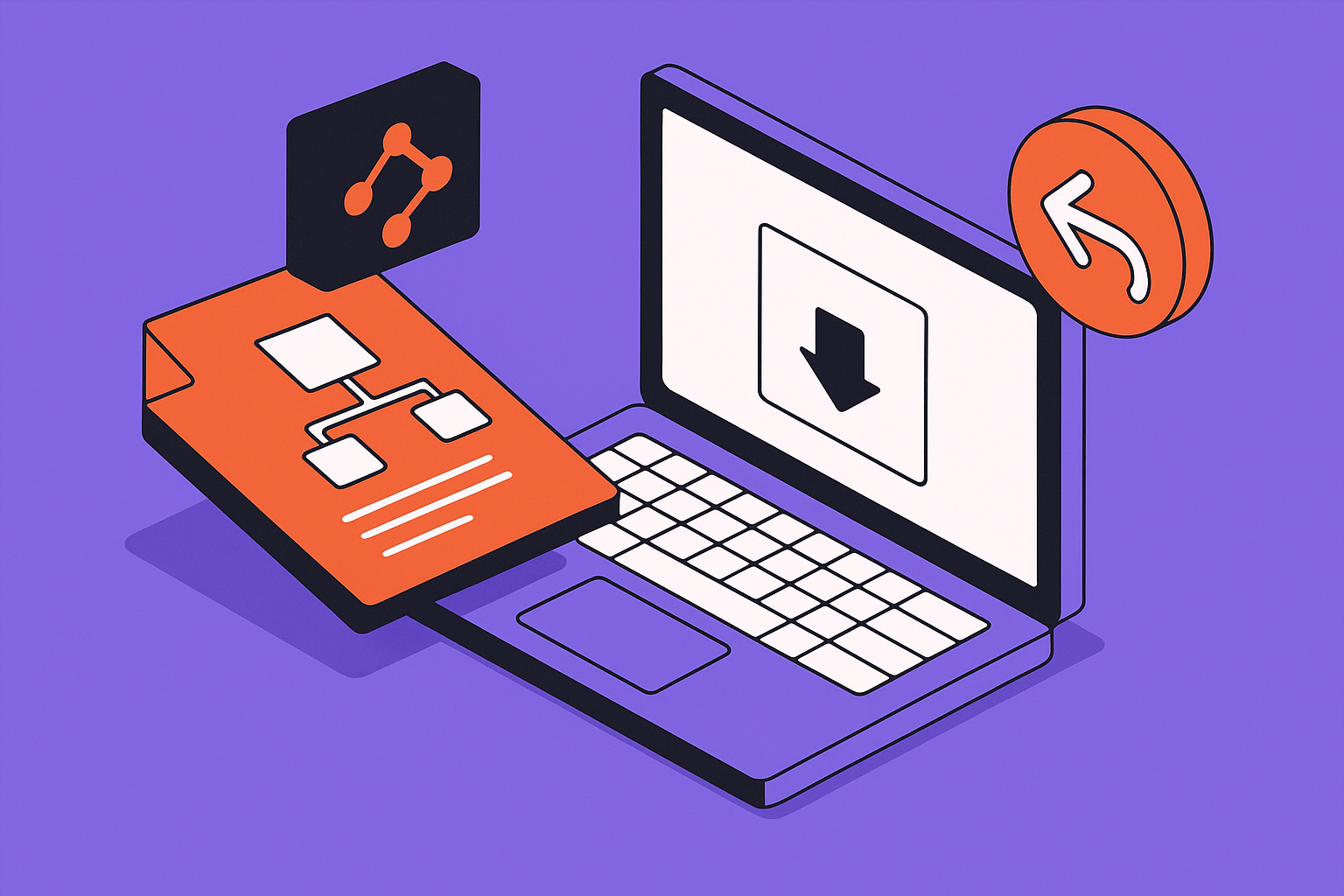
Why Git feels wrong for AI-generated builder files
Git is excellent for developers who think in commits, branches, diffs, merge conflicts, and pull requests. That is not how many AI app builder teams work. A founder opens Lovable, asks for a checkout screen change, reviews the visual result, and keeps moving. The team may never see a terminal, a commit hash, or a branch name.
The versioning problem still exists. AI-generated apps are made of code, schema assumptions, configuration, prompts, assets, and platform state. When an AI builder changes a file, the visible screen is only one surface of that change. The generated output may also alter imports, route names, database field references, component props, CSS classes, or data loading behavior.
That is why a plain file backup is not enough. If all you know is that a file was different at 2:13 PM, you still do not know whether the change was requested, accidental, related to a different prompt, or safe to restore. Non-technical teams need version control, but they need it expressed as product decisions and recoverable states, not as Git ceremony.
The useful mental model is simple: every AI generation should create a labeled checkpoint that ties together the before state, the after state, the prompt, the files touched, and the intended product change. Git can be one implementation of that idea, but it is not the idea itself.
What AI versioning must record besides the final file
The failure pattern in AI builders is that the team can inspect the latest app but cannot reconstruct the path that produced it. Someone looks at generated code weeks later and no longer knows what they were asking for when that section appeared. Another person sees a broken table reference and cannot tell whether the AI invented it, renamed it, or copied it from an earlier prompt.
A useful no-Git versioning system records intent as well as output. The prompt matters because it explains why the AI touched a file. The before-and-after state matters because it shows the actual scope of the edit. The label matters because humans need to distinguish draft experiments from approved work.
Checklist: a useful AI builder checkpoint
- The checkpoint has a human label such as checkout copy change or approved onboarding flow.
- The prompt or task description is saved with the generated change, not only in chat history.
- The files or screens touched by the AI are listed before anyone approves the result.
- The previous working state can be restored without deleting unrelated later notes or assets.
- Draft, review, and approved states are visually distinct for non-technical collaborators.
- Database, environment, and deployment assumptions are noted when the AI changes code that depends on them.
The important distinction is between history and auditability. History says a previous version exists. Auditability says a person can understand what happened and decide whether to keep it. AI-generated apps need both, because the risky change is often not the visible one.
For example, a request to change button copy can cause the model to rewrite a component. A request to add a profile field can lead the generated code to reference a database column that does not exist. A request to clean up file names can break imports across the app. Versioning has to show the side effects, not just preserve the final text of the file.
If your team is using Lovable or a similar AI builder, the safest internal habit is to name the desired product outcome before accepting generated work. Do not label a checkpoint fixed bug. Label it restore password reset redirect after login. That label gives the future version history a reason, not just a timestamp.
Rollback is a state problem, not an undo button
The word rollback sounds simple. In a document editor, undo usually means move one step backward. In an AI-generated app, rollback means restore a coherent application state. That is harder because the app is not one document.
A bad AI turn may touch several files at once. It may change a component, a route, a helper function, and a schema reference in one generation. If you restore only one file, the app can become even less consistent than before. If you restore the whole project, you may lose unrelated good work done after the bad turn.
This is the reason teams feel trapped by bad generations. They cannot undo one bad turn without destroying everything after it, so they keep patching forward. After a few patches, nobody knows which changes are real product decisions and which are compensating for earlier AI mistakes.
Good rollback is selective and state-aware. It lets you answer: which files changed in this generation, which later changes depend on those files, and which approved checkpoint is safe to return to? That does not require every team member to use Git, but it does require the tool or workflow to treat generations as grouped changes.
The unit you restore should be the task the AI performed, not whichever single file happens to look broken.
That mechanism is especially important in visual and no-code-adjacent builders. Screens, generated components, configuration, media files, and database assumptions may move together. A screenshot or exported file can help prove what used to work, but it cannot automatically rebuild the app state that produced it.
If your AI-generated app has no trustworthy last-known-good state, stop generating new fixes on top of the damage.
AppStuck specializes in rescuing and completing AI and no-code projects, including Lovable projects where history, files, prompts, and app state need to be reconstructed before shipping.
Book a free 30-minute assessmentHow non-technical teams can collaborate without learning Git
The goal is not to hide risk from the team. The goal is to expose risk in a language the team already uses. Product people understand drafts, approvals, comments, release candidates, and last-known-good versions. Those concepts can map cleanly to version control without teaching everyone commits and branches.
A practical team workflow starts with a rule: AI generations are drafts until reviewed. The person prompting the AI can explore, but a second person or future self needs a way to see what changed before it becomes approved work. That review does not need to be a code review in the developer sense. It can be a checklist against screens, data, routes, and file changes.
Use labels that match the team's decision process. Draft means the AI produced something that may be thrown away. Candidate means the change works locally or in preview but has not been validated against real data and deployment settings. Approved means the team has decided this state is safe to build on. Released means the state corresponds to what users can access.
This also solves the collaboration problem where multiple people prompt the same app. Without labels, one person may overwrite another person's working flow by asking the AI to refactor a shared component. With labels and grouped changes, the team can see whose task touched which area and whether the change was approved.
For code-heavy areas of the app, a developer may still want Git underneath. That is fine. The point is that Git should be an implementation detail for the technical owner, not the only readable history for the rest of the team. The visible history should answer human questions first: what changed, who asked for it, why did we accept it, and how do we get back?
Where AI builders stop being enough
There is a limit to what an AI builder's built-in history can solve. If the tool only shows chat messages and the current file state, it may not provide enough information to reconstruct a safe version history. If it stores generated output but not prompt intent, the team may still be unable to explain why a change exists. If it cannot restore grouped changes selectively, rollback remains risky.
Binary and visual assets make the limit sharper. Code diffs can show a changed line. A generated image, uploaded design asset, exported configuration file, or visual layout state may not produce a readable text diff. The versioning workflow has to save named asset versions and explain where each asset is used. Otherwise a visual rollback may fix one screen while breaking another.
Database assumptions are another boundary. An AI builder can generate code that expects a table, field, permission, or API shape to exist. If that external state is not versioned or documented with the app change, restoring files may not restore behavior. The app can look reverted while still failing because the data layer no longer matches.
At that point, the honest answer may be to add a lightweight external versioning layer or to move the project into a development workflow where code, configuration, assets, and database changes can be controlled together. That does not mean the AI builder was a mistake. It means the project has crossed from prototype generation into product maintenance.
For Lovable projects, the decision point usually appears when the team can no longer tell whether a new prompt is fixing the app or masking an older bad generation. If the next change requires trust in history you do not have, slow down. Rebuild the map of the project before asking the AI for more edits.
AppStuck's AI app rescue work often starts at this boundary: the app exists, parts of it work, but nobody can explain the current state well enough to ship with confidence. If the project is still in Lovable, the first job is usually not more prompting. It is separating approved behavior from accidental generated complexity.
AI file versioning without Git questions
Can AI-generated files be versioned without Git?
Yes, if versioning means preserving recoverable states with enough context to understand them. Git is one way to store file history, but non-technical AI builder teams often need a higher-level history that includes prompts, task labels, changed screens, changed files, assets, and approval status. The key is to group each AI generation as a task-level checkpoint instead of saving only the latest file. Without that grouping, you may have backups but still lack a usable rollback path.
What should I save before accepting an AI builder change?
Save the previous working state, the prompt, the intended product outcome, and a list of touched files or screens. If the change depends on a database field, API, environment variable, or uploaded asset, save that dependency too. A useful checkpoint should let a teammate understand why the AI changed the app without rereading an entire chat. The label should be specific, such as approved pricing page layout, not vague, such as fixes.
Why is rollback harder in Lovable than undoing a document?
A Lovable generation can affect multiple parts of the app at once. One prompt may change a component, import path, route, style, and database reference. Undoing only the visible screen can leave hidden dependencies broken. Restoring the whole project may erase later good work. That is why rollback has to operate on coherent checkpoints: the before state, after state, prompt, touched files, and known dependencies all need to move together.
Do non-technical collaborators need to learn branches?
They do not need to learn Git branches to make good version decisions. They need clear states such as draft, candidate, approved, and released. Those labels give the team a shared language for whether an AI-generated change is safe to build on. A technical owner can still use Git or another system underneath, but the team-facing workflow should show product intent, approval status, and restore points in plain language.
When is a versioning problem really a rescue problem?
It becomes a rescue problem when nobody can identify the last known-good app state, the AI has made overlapping changes across files, and each new prompt creates new uncertainty. At that stage, more generation can deepen the mess. The safer move is to inventory what works, label what is approved, isolate accidental changes, and rebuild a controlled history before making new product changes.
When your AI builder history cannot explain how the app got here, rollback becomes guesswork.
AppStuck takes on Lovable and AI app builder rescue projects, including projects that need file history, prompt intent, and safe release paths rebuilt before more features are added.
Book a free 30-minute assessmentRelated posts

Need Help with Your AI Project?
If you're dealing with a stuck AI-generated project, we're here to help. Get your free consultation today.
Get Free Consultation